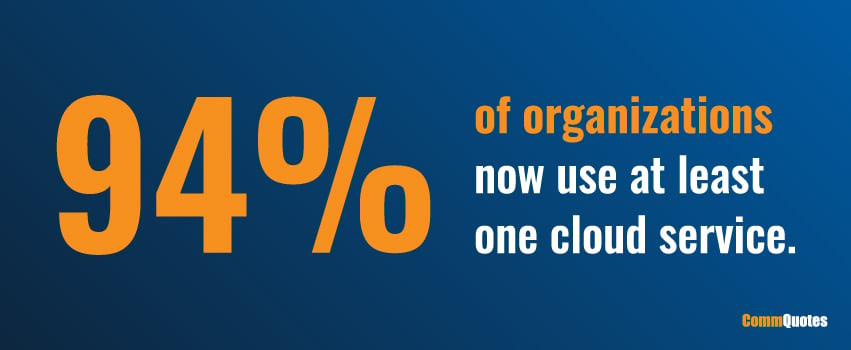
Cloud adoption has become nearly universal across business sizes and industries, with 94% of organizations now using at least one cloud service.1 For businesses evaluating when and how to move to the cloud, understanding your migration options and building a clear plan makes the difference between a successful transition and a costly, frustrating one.
In this guide, we'll cover what cloud migration is, the main types and strategies, and how to build an effective plan.
What Is Cloud Migration?
Cloud migration is the process of moving data, apps, and other IT workloads into a cloud environment. Most often, that means moving from servers your business owns to a cloud provider’s, but it can also mean moving between different cloud providers.
Cloud migration strategies depend on the type of service model your organization adopts, such as infrastructure as a service (IaaS) vs. platform as a service (PaaS). Not sure which model is right for your needs? CommQuotes breaks each down in depth in our guides on IaaS and PaaS.
Regardless of the service model, your cloud migration strategy will determine how each workload will move, in what order, and how it will run once it gets there.
What Are the Types of Cloud Migration?
Cloud migration takes several different forms depending on what you're moving and where it's going. Here’s a breakdown of the most popular types:
On-Premise To Cloud Migration
An on-premise to cloud migration involves moving servers, applications, and data from your office or server room to public, private, or hybrid cloud infrastructure. Businesses usually pursue this path to eliminate the ongoing costs of purchasing, maintaining, and supporting their own hardware.
This type of migration is especially popular for organizations with aging data center equipment or those looking to shift from capital expenses to operational expenses.
Data Center Migration To Cloud
A data center migration to the cloud is a larger version of the same move. Instead of a few servers, you are moving most or all of a data center. These projects often happen in phases, where some workloads stay in a colocation facility while others move to the cloud.
Application Migration To Cloud
Application migration to the cloud focuses on moving a specific app or set of applications rather than an entire infrastructure. Some applications can move as they are, but others require code changes or modifications to how they interact with other systems before they can run well in the cloud environment. Application migrations allow you to target high-value or high-risk workloads individually rather than attempting a wholesale infrastructure overhaul.
Cloud To Cloud Migration
A cloud-to-cloud migration moves workloads from one cloud provider to another. Businesses may switch providers to lower costs, improve performance, reduce sprawl, or leave a vendor that no longer fits their needs.
7 Simple Cloud Migration Strategies
Most cloud migration strategies fall into seven categories, often called the 7 Rs. You will likely use more than one, since different workloads need different approaches.
1. Rehost
Move the workload as it is, with no changes. Also called a “lift and shift,” this is the fastest option and requires the least modification to your existing applications. You essentially take the application as it runs on-premises and run it on cloud infrastructure instead.
2. Relocate
Move servers to a cloud version of the same platform, such as moving VMware workloads to a VMware-based cloud.
3. Re-platform
Make small changes during the move, like switching to a managed database service, without rebuilding the core of the app.
4. Refactor
Rebuild the application to use cloud capabilities fully. Refactoring takes the most time, but usually delivers the most long-term value through improved performance, scalability, and maintainability.
5. Repurchase
Replace the app with a SaaS product, such as moving from an on-premises email server to Microsoft 365. This eliminates maintenance obligations but requires your users to adopt a new tool, which will ultimately depend on the platform’s ease of use.
6. Retain
Keep the workload where it is for now, often because of compliance needs or a recent hardware purchase.
7. Retire
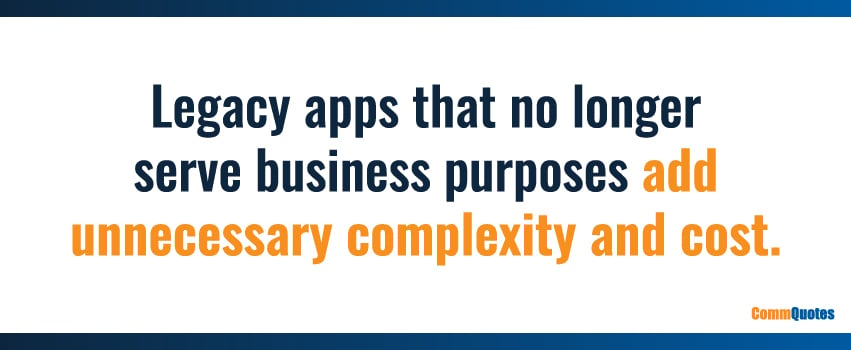
Shut down applications that are no longer needed. Many organizations discover that their legacy apps no longer serve business purposes and represent unnecessary complexity and cost.
What Cloud Migration Tools Do Businesses Use?
Cloud migration tools help you move data and track progress throughout the process. The main types are:
- Discovery and assessment tools that map your servers, apps, and how they connect
- Server migration tools that copy entire machines to the cloud with little downtime
- Data transfer tools that move large amounts of data over the network or on shipped storage devices
- Database migration tools that move databases while keeping them in sync
- Cost management tools that track cloud spending after the move
The major cloud providers each offer their own tools, such as AWS Application Migration Service, Azure Migrate, and Google Cloud Migration Center. These native tools integrate tightly with each platform but only work within their respective ecosystems.
How To Build a Cloud Migration Plan
A cloud migration plan turns your strategy into a schedule with specific milestones and responsibilities. Here’s the step-by-step framework we follow:
Complete a Cloud Migration Assessment
A cloud migration assessment reviews your current environment. To conduct one, list every application, server, and data set, then determine:
- How they connect
- Who uses them
- What they cost to run today
This step is also where you’ll flag compliance requirements and any apps that shouldn’t move.
Set Clear Goals
Decide what you want the migration to achieve, such as lower costs, better uptime, easier remote access, or faster scaling. Your goals shape which strategy you’ll use to move each workload and can help you measure whether the migration succeeds.
Choose a Cloud Model and Provider
Pick between public, private, hybrid, or multi-cloud. Then compare providers on pricing, performance, security, support, and contract terms. At CommQuotes, our team can help you compare cloud solutions from multiple providers and choose the right fit.
Check Your Network
Cloud apps are only as good as the connection to them. Make sure your network has the bandwidth and reliability to handle more traffic going to the cloud. Many businesses upgrade their internet service or add SD-WAN as part of a migration.
Migrate in Phases
Start with your lowest-risk workloads. Test each one before moving the next, and have a rollback plan in case something fails. Put a backup and disaster recovery solution in place to protect your data during and after the move.
Test, Monitor, and Adjust
After each move, confirm that the app works as expected, then watch its performance and costs closely. Cloud bills can grow quickly when resources are oversized or left running.
What Are the Benefits of Cloud Migration?
Most organizations see these common benefits in the first year after migration:
- Lower Hardware Costs: Moving to the cloud means you stop buying, replacing, and maintaining servers. Instead of capital expenditures for equipment that depreciates and eventually requires replacement, you shift to predictable operational expenses that scale with usage.
- Easy Scaling: Cloud computing lets you add or reduce resources as your needs change without having to purchase new equipment.
- Better Disaster Recovery: Cloud providers store data and applications across multiple geographic locations, providing redundancy that most businesses can’t match with on-premises infrastructure.
- Remote Access: Employees can reach cloud-based apps and data from anywhere with an internet connection, which supports hybrid work models and business continuity.
- Less Maintenance: Since the cloud provider handles hardware upkeep, security patching, and infrastructure maintenance, your IT team can redirect that effort toward work that drives business value instead.
- Faster Updates: Providers can roll out new features and security patches over the cloud without requiring long upgrade projects or downtime. Your applications always run current versions with the latest security and functionality improvements.
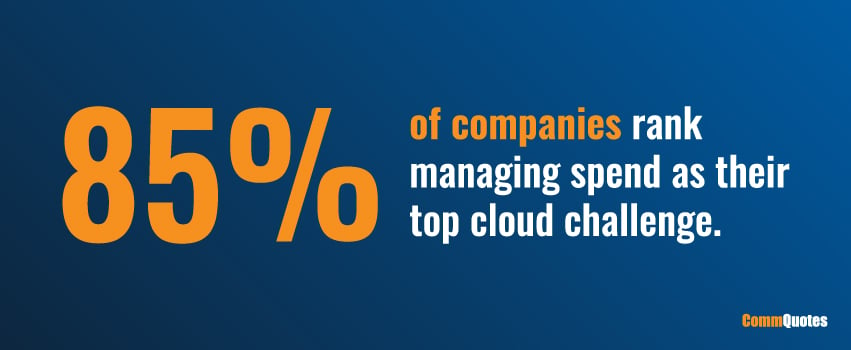
Keep in mind that the cloud isn’t automatically cheaper – in fact, 85% of companies rank managing spend as their top cloud challenge.2 What you pay will depend on how well you size, manage, and monitor your resources.
Simplify Your Cloud Migration With CommQuotes
The success of your cloud migration strategy hinges on which providers you partner with. A cloud provider that scales with your growth and delivers reliable support becomes a genuine business advantage. But pick the wrong fit, and you're locked into years of higher costs, integration headaches, and migrations that take longer than they should.
At CommQuotes, our experts make it easy for businesses to plan their move and compare cloud, data center, and connectivity providers from our network of 450+ vetted suppliers. We’ll help you find the right fit, often at better pricing than going direct – all at no cost to you.
Connect with our team today to start planning your cloud migration.
Sources: